Widely used for its convenience, it is a format that preserves the appearance and layout chosen by the author, unchanged on any device or operating system.
But it is not always the best choice for online communication, because:
1. PDFs are static, meaning to modify the content, you need to replace the entire file;
2. they have fixed pagination, enlarged text does not adapt to the margins, making it difficult to read on smartphones;
3. they are not very navigable for those using a screen reader.
It can be useful to use a PDF file for documents to be printed, legal or contractual documents, brochures and flyers, for final reports that do not need updating. PDF files should include TAGS to be accessible.
It is better to opt for Word documents, Google Docs, or web pages in HTML format and online forms, to share:
1. content to be updated frequently, including event invitations;
2. training materials: instructions, tutorials, guides;
3. interactive forms;
These formats offer a more inclusive reading experience: the text can be enlarged, the graphic appearance customized, immersive reading features, text-to-speech, and automatic translation into other languages can be used.
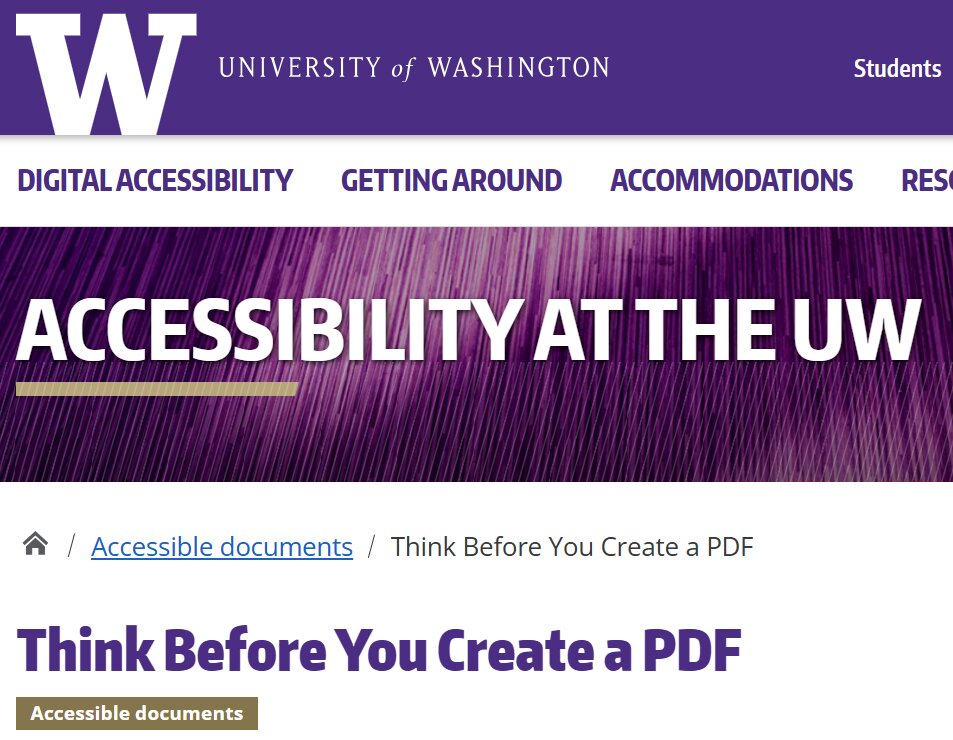
Learn more on the University of Washington website.
Webable SAS di Welzel Rossella, Via Dassori 29/20 B, 16131 Genoa (Italy) - VAT 02905340994 - rossella@webable.it
Recommended readings, events, websites on: Digital Accessibility
HTML pages, Word documents, Google Docs and online forms to share content online.
HTML pages, Word documents, Google Docs and online forms to share content online.
2026-01-08 16:12
2026-01-08 16:12
Rossella
Rossella
PDF and accessibility, pdf, html, word, formato, formati-alternativi,