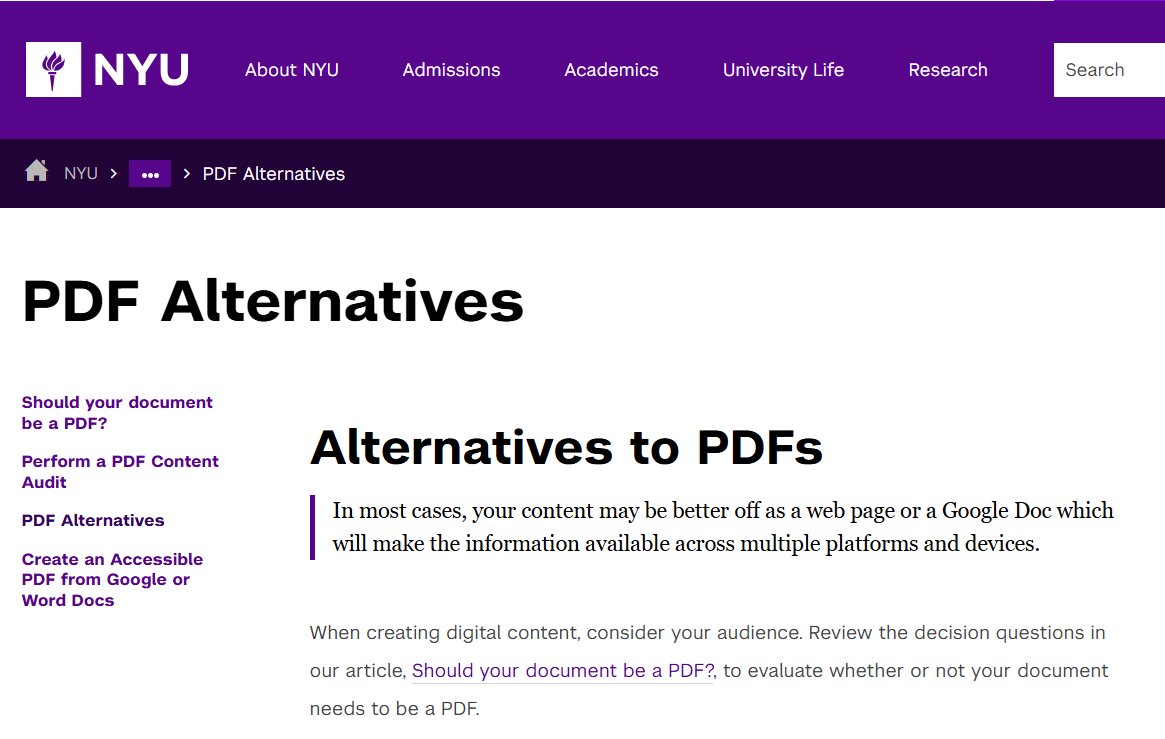
In academia, PDF is often the standard for sharing handouts, presentations, and documents. It is convenient, printable, has a consistent appearance... but also one of the least accessible formats, especially for those with reading difficulties, who use screen readers, or access from mobile devices. PDF files: What alternatives can facilitate accessibility and learning? Web pages (HTML) Google Docs or Word Accessible PDF Before choosing the format, ask yourself: A small change in format can make a big difference for the inclusivity of courses. Read the article on alternatives to PDFs on the New York University website Accessibility guides from New York University
The most accessible format, readable on any device, easily navigable by those using assistive technologies, indexable, and always up to date. Ideal for stable and public content.
Perfect if the content is updated frequently or managed by multiple people.
They allow the student to:
If you really need to create a PDF (for example, for printing or for fixed layouts), make sure it is accessible:
Webable SAS di Welzel Rossella, Via Dassori 29/20 B, 16131 Genoa (Italy) - VAT 02905340994 - rossella@webable.it

Recommended readings, events, websites on: Digital Accessibility
PDF and accessibility: is it really the best format for educational material?
PDF and accessibility: is it really the best format for educational material?
2026-01-08 16:41
2026-01-08 16:41
Rossella
Rossella
PDF and accessibility, pdf, formati-alternativi, guide-online,